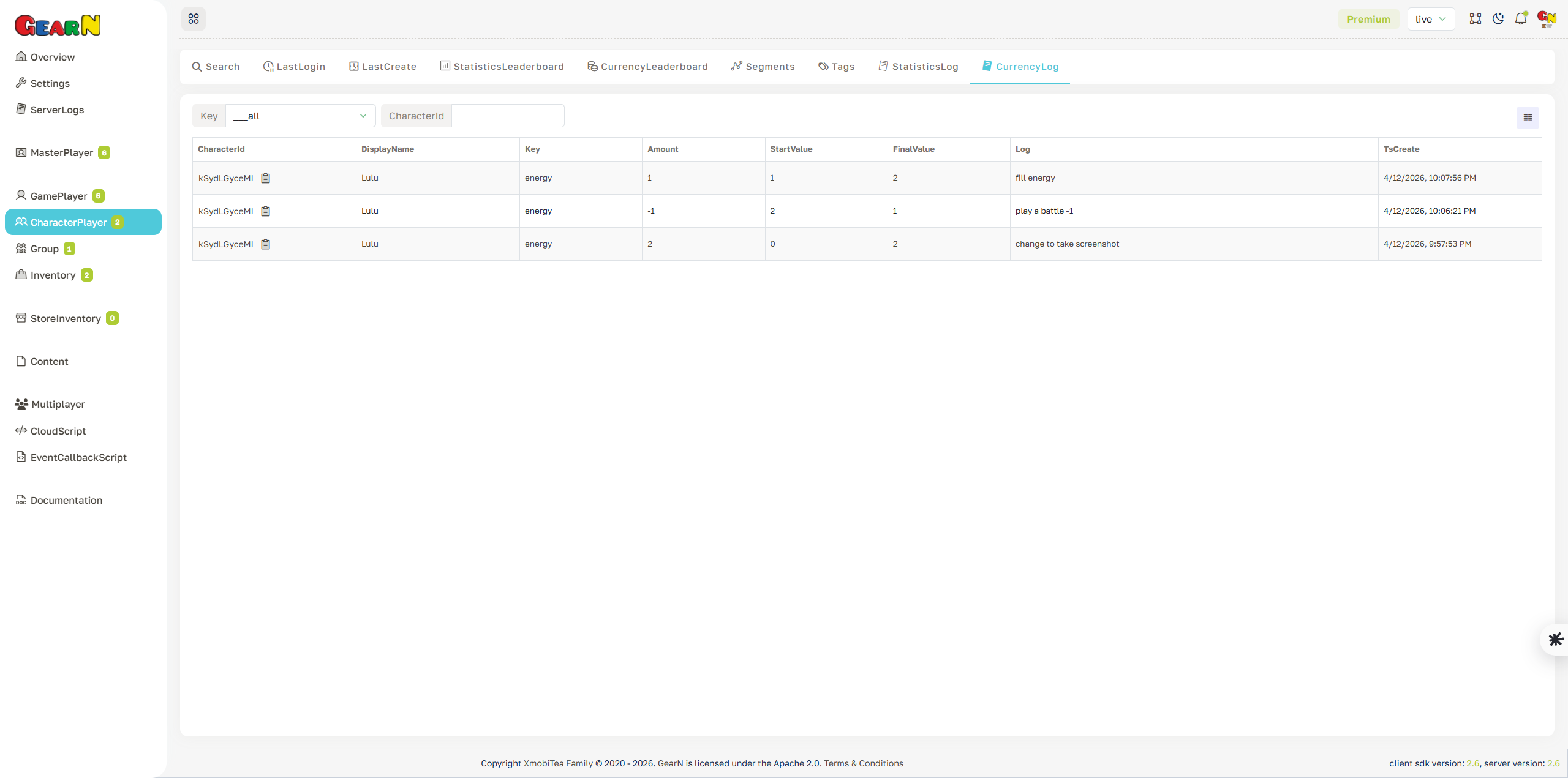
Character Player Currency Log
Currency Log records changes to Character Player currency balances. Use it to audit grants, spends, refunds, admin edits, gameplay rewards, character-specific purchases, and economy corrections.
- Balance history: Inspect key, amount, start value, final value, reason, characterId, and timestamp.
- Filtering: Filter by currency key or characterId when investigating one balance type.
- Economy audit: Use the log before changing suspicious balances from the profile page.
- Support proof: Log rows help explain grants, deductions, purchases, rewards, and player support adjustments.
Currency corrections are high-risk. Always confirm the source transaction before adding or removing balance.