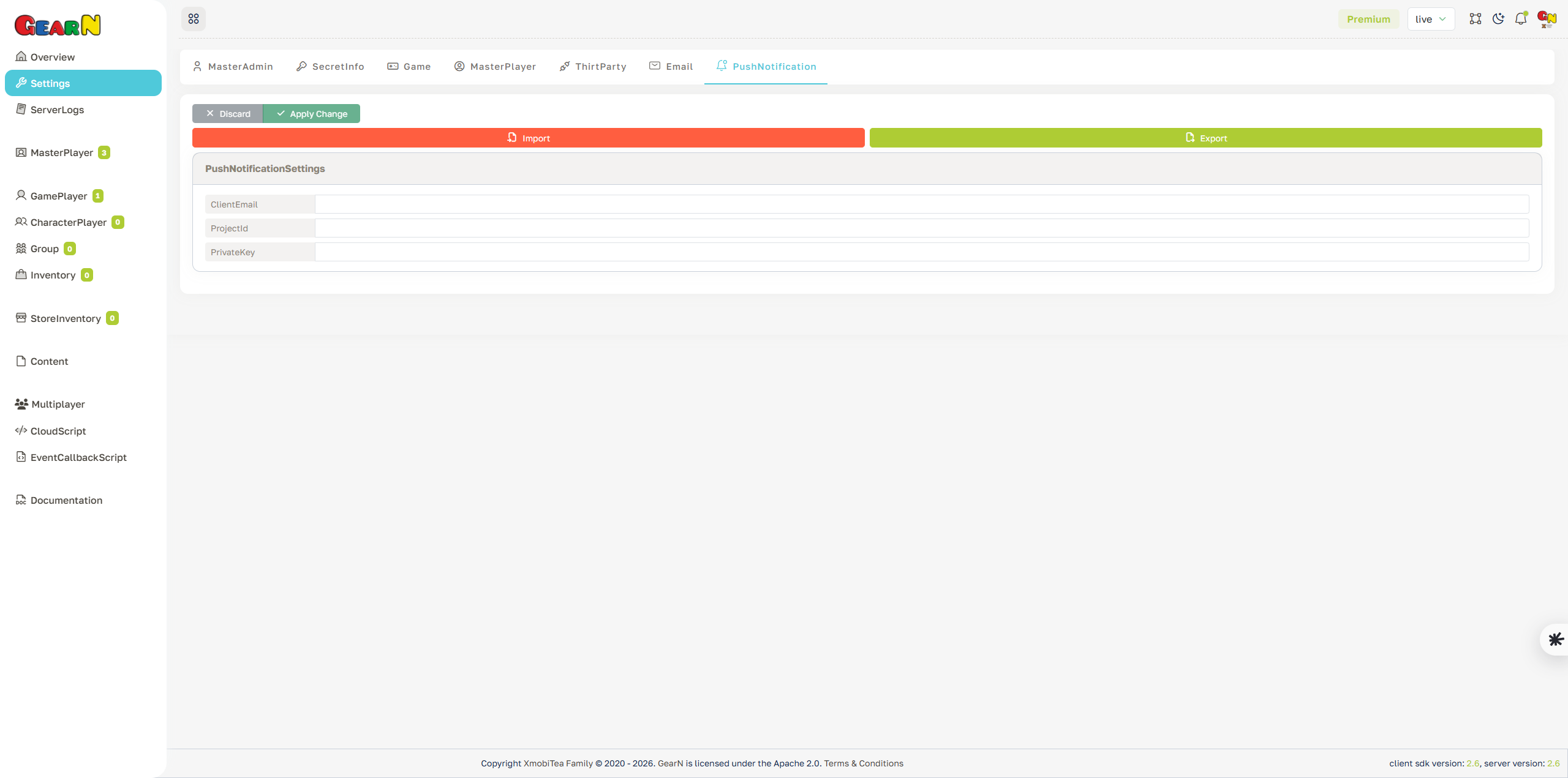
Push Notification Settings
Push Notification settings configure the service account used to send server-side push messages. The screen stores the client email, project id, and private key required by the provider.
- Client email: Set the service account email used for authenticated push requests.
- Project id: Match the server environment to the correct push notification project.
- Private key: Store the provider key that signs server requests.
- Operational use: Enable server workflows that send push messages to players.
Rotate the private key if it is exposed. Do not reuse live push credentials in development environments.