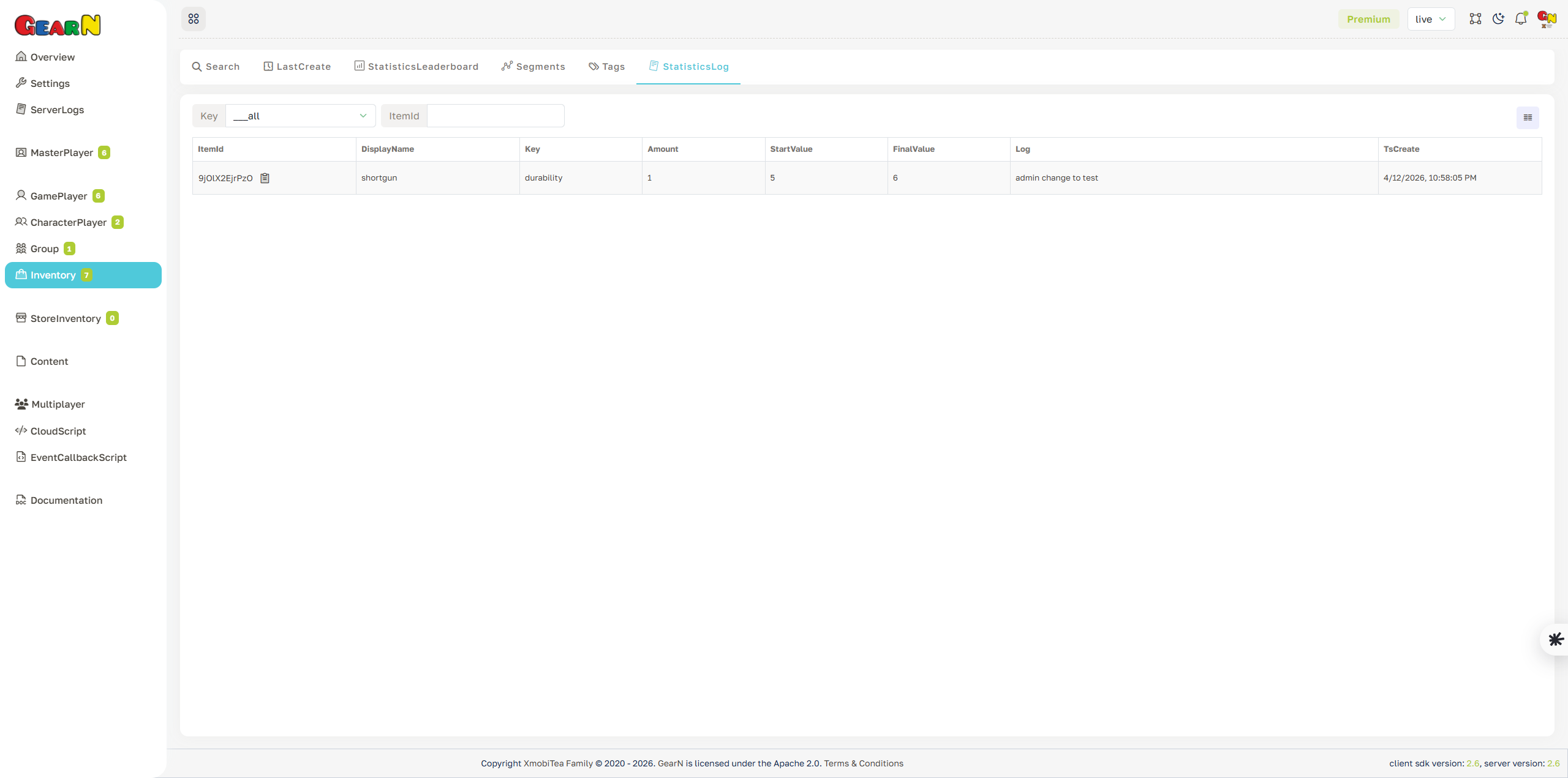
Inventory Statistics Log
Statistics Log records changes to Inventory statistic values. It is the audit trail for item upgrades, durability changes, usage counters, support edits, server updates, CloudScript changes, and migration fixes.
- Change history: Inspect key, amount, start value, final value, reason, itemId, and timestamp.
- Filtering: Filter by statistic key or itemId when tracking one item field.
- Investigation: Use logs to explain unexpected leaderboard movement, item upgrade issues, or support corrections.
- Item context: Cross-check suspicious rows with the Inventory profile, CatalogId, ClassId, owner, and amount.
Do not overwrite item statistic values without reading the log. The previous change often explains the current state.