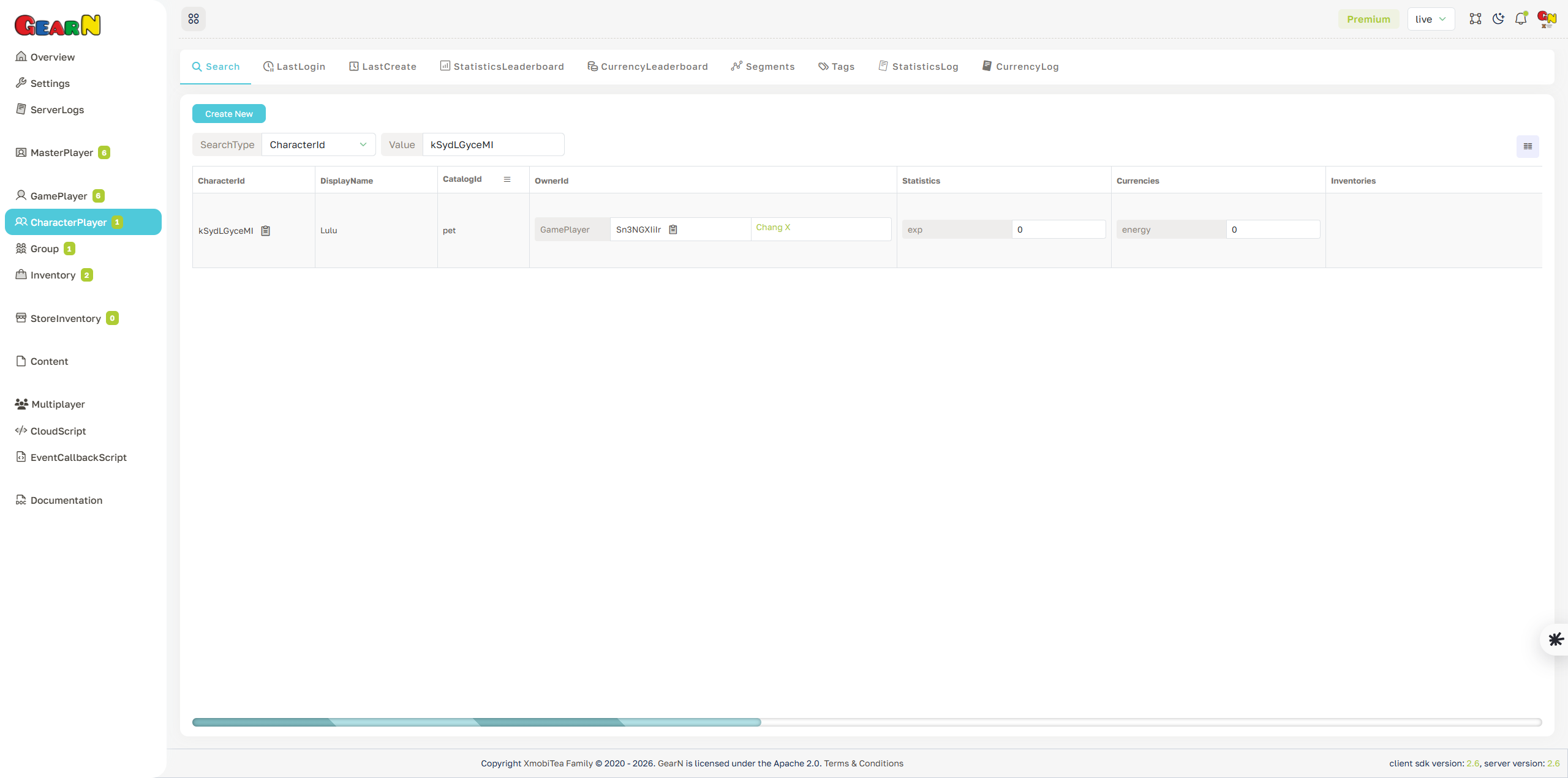
Character Player Search
Character Player Search finds character records inside the selected game. It is the usual entry point before opening a character profile for support, moderation, economy checks, ownership checks, or gameplay data inspection.
- Search input: Choose a search type such as CharacterId or DisplayName and enter the value to query within the current game.
- Result view: Review matching characters with CharacterId, CatalogId, owner data, profile fields, statistics, currencies, tags, segments, and timestamps.
- Ownership: Check owner information before moving, removing, banning, or editing a character.
- Next step: Open the matching CharacterId to inspect the full Character Player profile before changing data.
Search results are scoped by the selected game. Character ids identify characters, while owner ids identify the player or account that owns them.