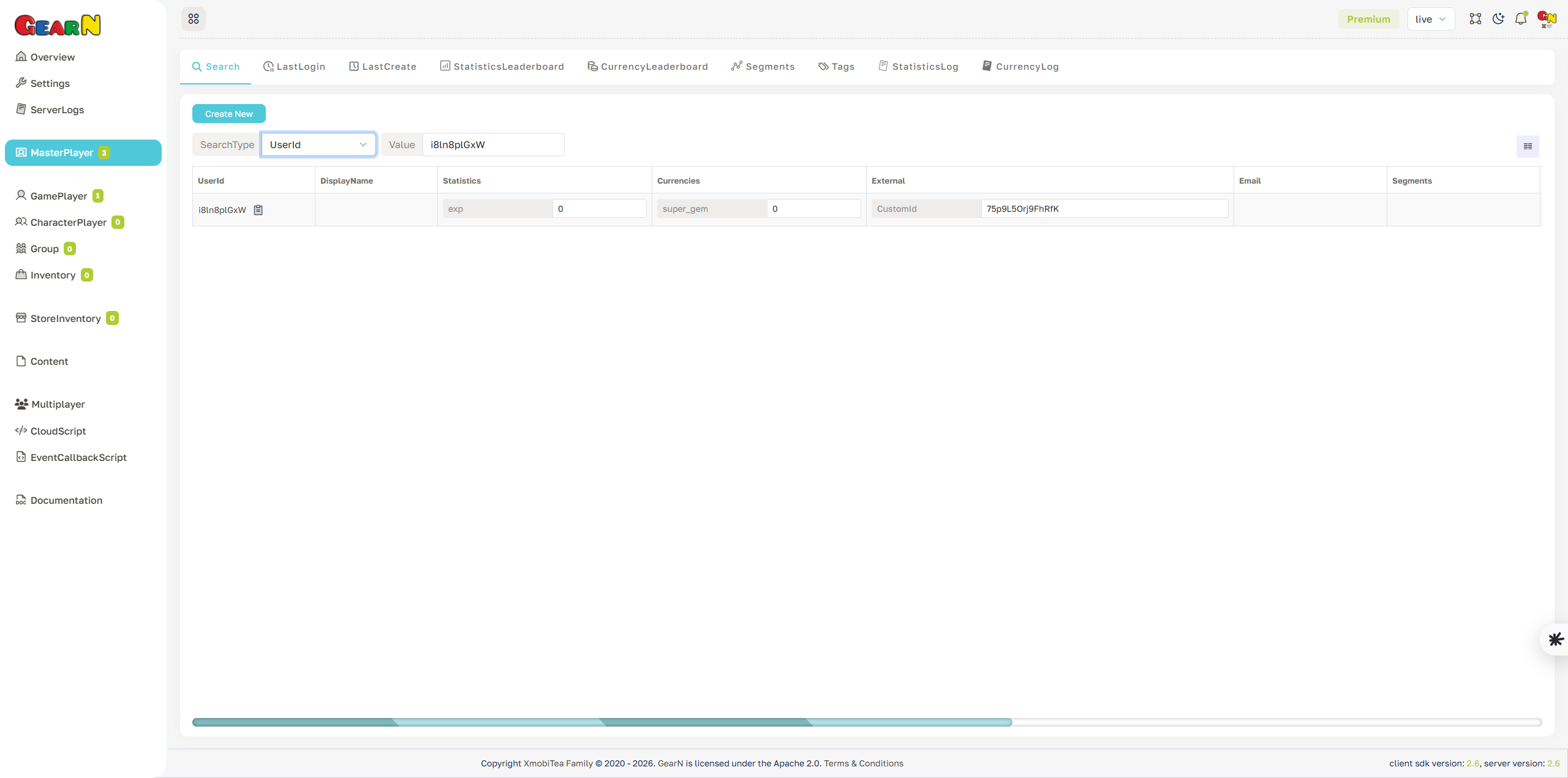
Master Player Search
Master Player Search finds account records by a selected search type and value. It is the usual entry point before opening a profile for support, moderation, or data inspection.
- Search input: Choose a SearchType such as UserId and enter the value to query.
- Result view: Results include UserId, DisplayName, Statistics, Currencies, External identifiers, Email, and Segments.
- Create account: Use Create New only for controlled admin workflows.
- Next step: Open the matching UserId to inspect the full Master Player profile.
Search by exact identifiers when possible. Broad or ambiguous searches can slow down support work and increase the chance of editing the wrong account.